How to add Bates numbers to a PDF in Chrome
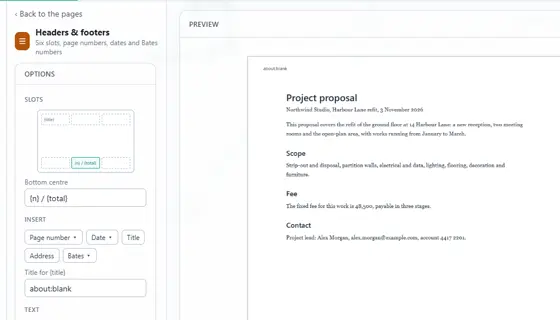
Bates numbers give every page of a document its own reference, usually for legal files. Open the PDF in the PDF editor of Eofent Capture, choose Headers & footers and insert a Bates number with your own prefix.
8 STEPS · CHROME AND EDGE
1Open the PDF
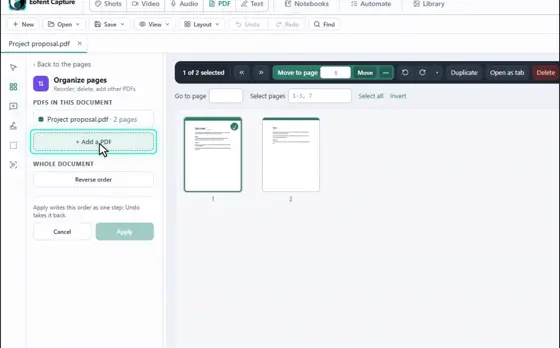
Open the PDF tab, press Open a PDF and pick the file. To number several documents as one set, merge them first.
2Choose Headers & footers
You will find it in All tools. The panel has six slots, three along the top of the page and three along the bottom.
3Pick a slot and clear it
Click the slot where the number should go, and clear its text if it already has page numbers in it.
4Open Bates
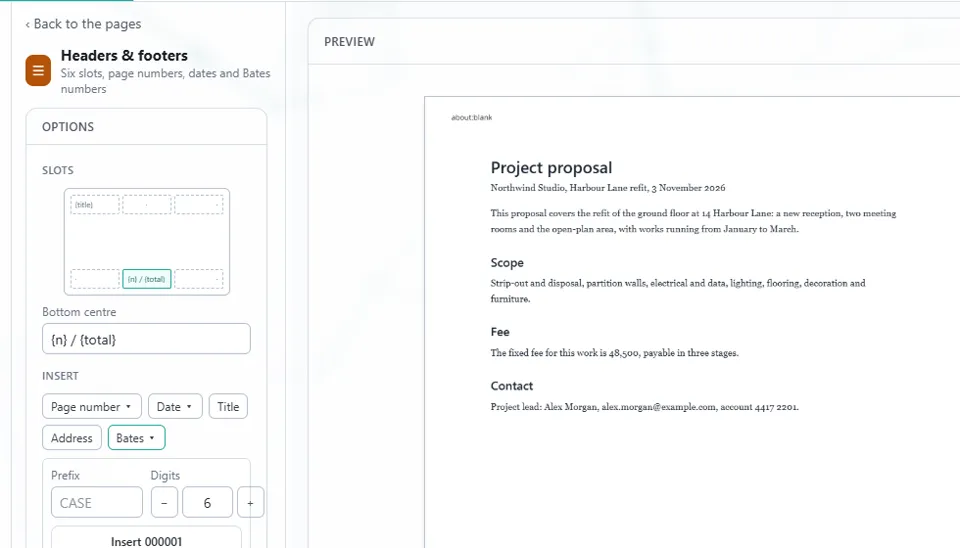
Under Insert, press Bates. Set the Prefix, and the number of Digits.
5Press Insert
The first number shows on the button, for example Insert 000001. It goes into the slot you picked.
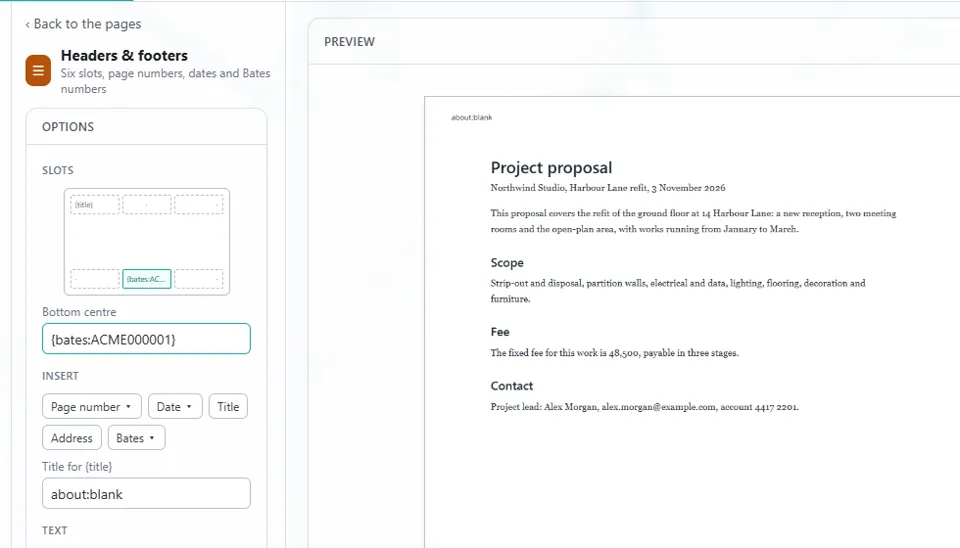
6Check the preview
Each page gets the next number. Use the arrows above the preview to move between pages.

7Press Apply
The numbers are added as a step you can undo.
8Open Save, then Export
Press Export PDF, and the numbered file lands in your Downloads folder.
Install Eofent Capture
Eofent Capture is free to start; the free plan has daily allowances. SEE PLANS →